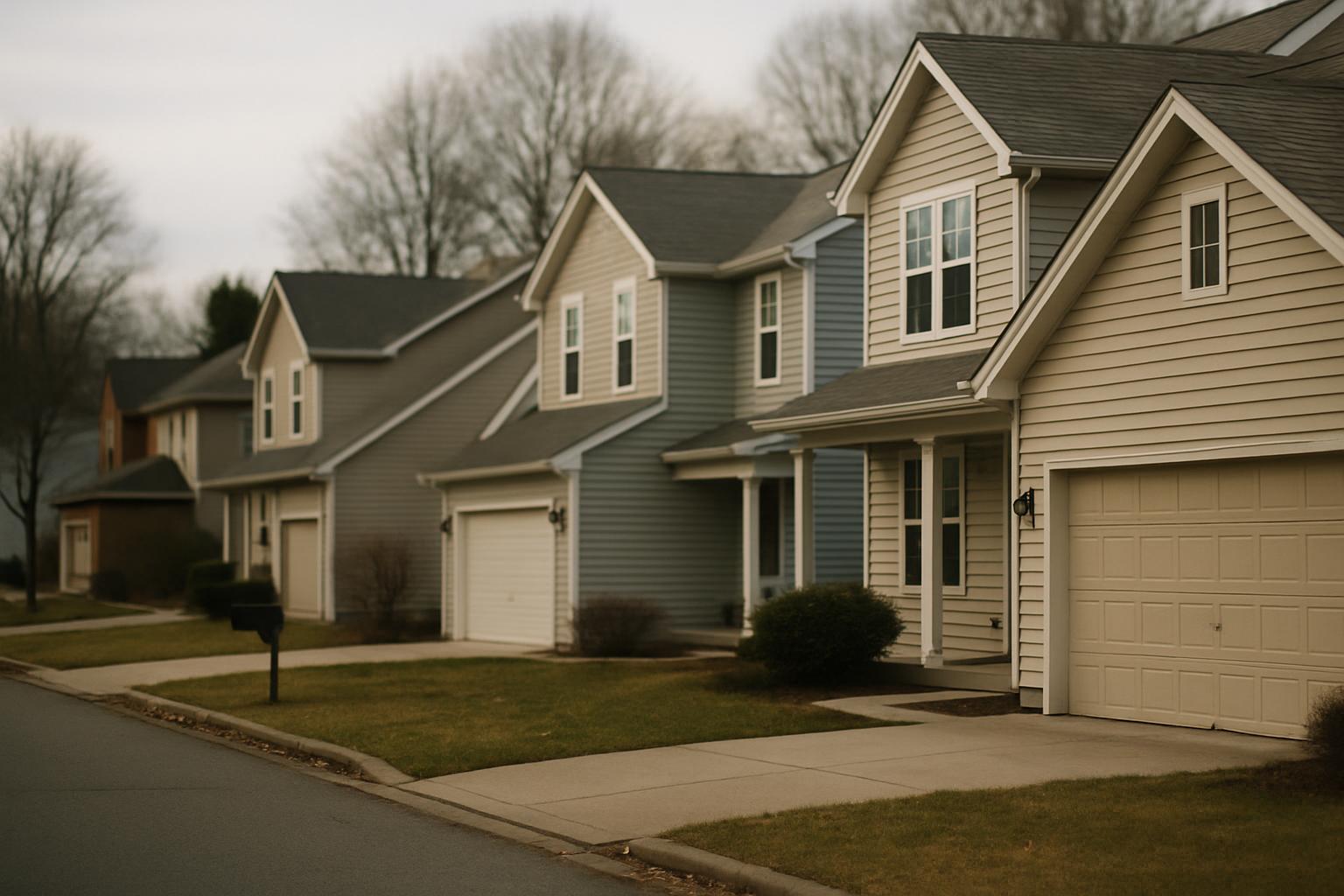
The messy status quo
Most associations collect issues by accident. A resident texts a board member's personal cell, emails the management company, posts in a neighborhood Facebook group, or stops the treasurer in the parking lot. Each channel lives in a different place, and none of them talks to the others.
The result is predictable. Reports get lost when someone is on vacation. The same complaint gets logged three times by three different people. There is no shared view of what is open, who owns it, or whether the vendor ever showed up. And when an owner asks the board to account for a dues increase or a deferred repair, you are scrolling back through months of text messages trying to reconstruct what happened.
It is not that board members are careless — it is that the tools are wrong. Group chats and email were never built to track work to resolution. You need a single place where an issue is reported once, with evidence, and follows a known path until it is closed.
Let residents report — with evidence
The fastest way to fix the front door of your process is to let members report directly, and to make evidence part of the report instead of an afterthought. With SnagGrid you send residents a single invite link. They snap a photo, drop a map pin — the address auto-fills — and add a short note. That is the whole interaction.
From that raw input, the AI drafts a clean, professional, factual report. It does not invent anything — it works only from what the resident provided, and the member approves every word before it goes anywhere. So instead of a one-line text that says "the fence is broken again," the board receives a dated report with a location, a photo, and a plain description of the problem.
Evidence changes the conversation. When you approach a contractor, an insurer, or an owner, you are no longer relying on memory or hearsay. You have a time-stamped photo and a precise location, captured by the person who actually saw the issue.
Route it to the right person or vendor
Reporting is only half the job — the report has to land with whoever can act on it. In most associations that is not one person. Landscaping goes to one vendor, pool maintenance to another, common-area lighting to the management company, and architectural complaints to a committee.
SnagGrid routes each report to the right recipient automatically. When a member submits, the report is emailed to the person or vendor who owns that kind of issue — no board member has to play switchboard. You set up who gets what once, and every report after that goes where it should.
That routing matters most in the Groups mode built for community associations. You can invite dozens of residents to report, and each member's reports flow to the correct recipient while admins keep oversight. The board sees everything; the vendor sees only what is theirs.
Keep a record the board can stand behind
Every report SnagGrid handles is written to an audit trail — who reported it, when, what was sent, and to whom. Nothing depends on one person's inbox or memory. If a board member rolls off and a new one rolls on, the history stays put.
This is where HOA issue reporting earns its keep. When an owner challenges a decision, when you are preparing for an annual meeting, or when an insurance claim hinges on when a hazard was first reported, you have a dated record instead of an argument. Admins can export the whole thing to CSV for board packets, reserve studies, or your management company, and a scoped API is there if you want to pull data into your own systems.
A record like this also protects individual board members. Volunteers are far more comfortable serving when "we acted on it, here is the trail" is something they can show rather than something they have to swear to.
Follow up until it is resolved
An open issue is not a closed one, and most things fall apart in the gap between "reported" and "fixed." A vendor says they will come Tuesday and does not. A quote sits unsigned. Without follow-up, issues quietly age out and resurface as angry emails.
SnagGrid gives you one-tap follow-up reminders. If a report has not moved, you nudge the recipient again without rewriting anything or digging up the original thread. The reminder carries the same report and the same evidence, so the vendor or committee member knows exactly what you mean.
The effect over a year is real. Instead of a backlog of half-remembered complaints, you have a steady cadence of issues opened, chased, and closed — and a count you can point to when members ask what the board actually did.
Be transparent with your members
Trust in an association comes down to whether members believe their concerns go somewhere. When a resident reports a problem and never hears back, they assume the board ignored them — even if it was quietly handled. Visibility closes that loop.
Because reporting runs through one system, you can tell members confidently that issues are logged, routed, and tracked, and you can back that up at meetings with real numbers from your dashboard and CSV exports. You are not asking owners to take your word for it; you are showing the record.
That transparency compounds. Residents who see their reports taken seriously report more, and report better — clearer photos, accurate locations, useful notes. Your common areas get maintained sooner, your board spends less time firefighting, and the whole community runs on facts instead of frustration.