Why QR codes fit public reporting so well
Public spaces have a reporting problem that private buildings don't: the people best placed to spot a fault have no relationship with whoever maintains it. A tenant knows who to email. A passer-by in a park, a visitor in a car park, a parent at a playground does not. They have a phone in their hand and ten seconds of patience, and if those ten seconds don't produce a way to report the issue, they walk on. The fault stays broken until it becomes expensive, dangerous, or someone complains loudly enough to reach the right desk by accident.
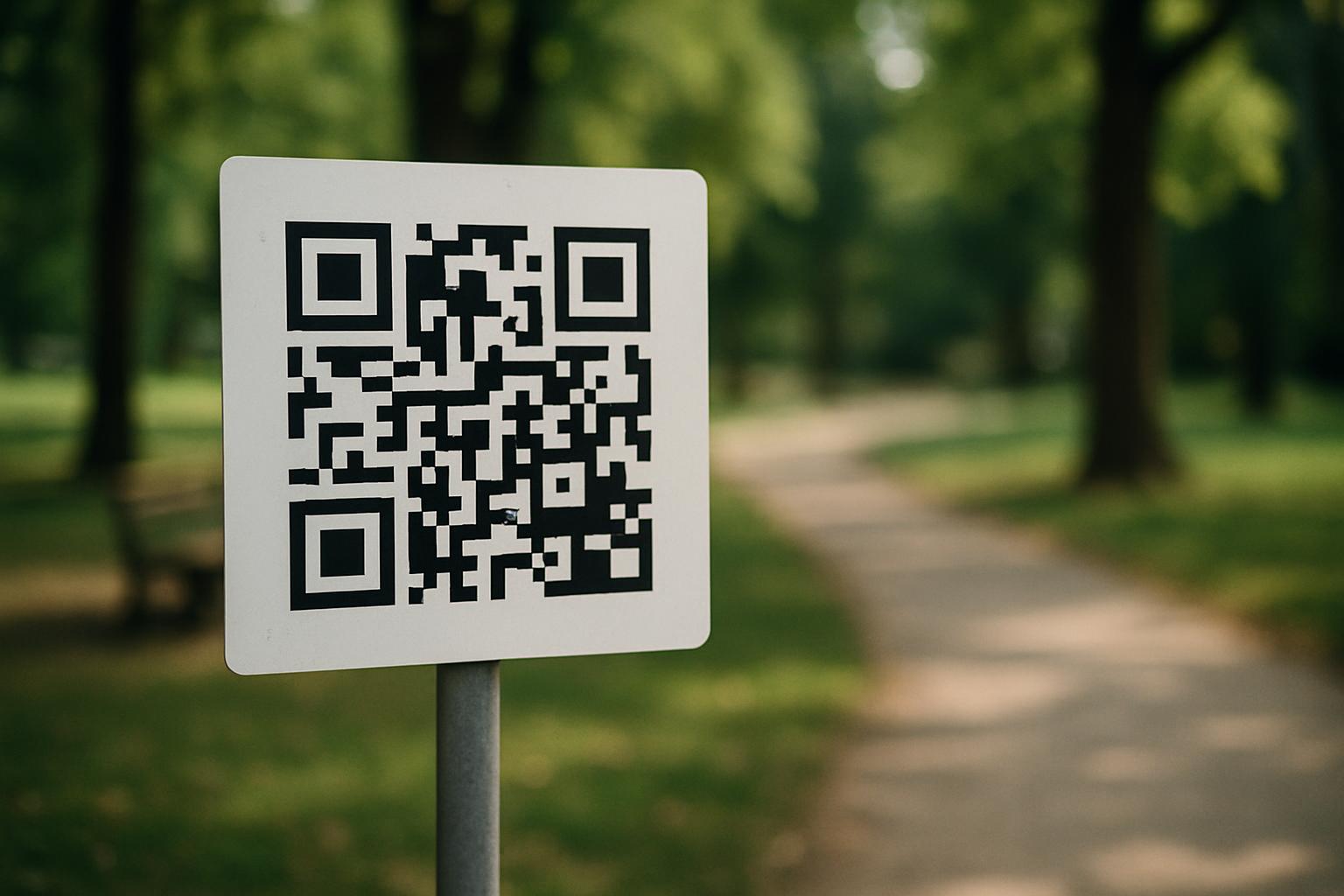
A QR code meets that person exactly where they are. Every modern phone camera reads one without an extra app, so scanning a sticker on a lamp post opens a form in the browser in a couple of seconds. There's nothing to install, no account to create, no number to dial and wait on hold. The barrier drops from "find out who's responsible and how to contact them" to "point your camera at this code." That difference in friction is the whole game — it's the line between a report you receive and a problem you never hear about until it's worse.
The codes also carry context the reporter would otherwise have to supply. A QR code can encode which asset, zone, or location it's attached to, so a scan from the code on Bin 14 in the east car park already knows it's about Bin 14 in the east car park. The reporter doesn't have to describe where they are or guess what the thing is called. That single fact — captured automatically at the moment of the scan — removes the most common reason field reports are useless: nobody can tell exactly where the problem is.
How a scan-to-report flow actually works
The flow is deliberately short. Someone scans the code with their phone camera and a web form opens — no login, no app. They see a simple prompt: what's wrong, and ideally a photo. They take a picture of the broken thing, type a line or two of plain description, and submit. On the other end, the report lands with whoever owns that space, tagged with the location the code already knew about and the time it came in. The reporter gets a confirmation that it was received. The whole interaction can take under a minute, standing in front of the problem.
The key design choice is that the form asks for almost nothing. Every required field is a reason to abandon. A name, an email, a category dropdown, a phone number — each one loses a share of reporters who just wanted to flag a hazard and move on. The strong default is a photo and a free-text box, with location supplied by the code or a map pin rather than typed. If you want a way to follow up, make contact details optional and explain why someone might leave them. The system should still produce a usable report from a single photo and a sentence.
Behind that simplicity, the report needs to become something a maintenance team can act on. A raw photo and "its broken" isn't a work order. Good systems turn the rough input into a clean, factual record — what was reported, where, when, and what category it falls into — and route it to the team or department that handles that kind of issue. The reporter never sees that machinery. From their side it was a scan and a photo; from the operator's side it's a structured, trackable item in a queue.
Where to place the codes
Placement decides whether the system works. A QR code is only useful where a person is standing when they notice a problem and has a moment to act. That means at the asset or the entrance, not on a website or a leaflet they'll read at home. Put codes on the things that break and the places people pause: park noticeboards, playground equipment, public toilets, lift lobbies, stairwells, car park pay stations, bin enclosures, bus shelters, sports pitches, building entrances, and trailheads. The test is simple — if someone could be looking at a fault from that spot, a code belongs nearby.
Make the sign legible from a normal standing distance and survive the weather. Outdoor codes need UV-resistant, laminated, or engraved materials; a paper sticker on a fence post fades to nothing in a season. Size the code so a phone reads it from a metre or two away, and give it a short line of human text — "Spotted a problem here? Scan to report it" — so people understand what the code does before they commit. A bare QR square with no explanation gets ignored; people don't scan codes they can't interpret.
Think about lighting and reach, too. A code in an unlit stairwell is useless after dark, and one mounted above head height or behind a barrier won't be scanned. Place codes where a phone camera can frame them comfortably, at roughly chest-to-eye height, with enough ambient light or contrast to read. For large sites, consider zone-specific codes rather than one generic code at the entrance — a code per car park level or per playground area tells you not just that something's wrong but precisely where, which is the difference between dispatching a crew straight to the fault and sending them to search.
Keeping reports useful and the system trustworthy
Open, no-login reporting invites two worries: junk and abuse. In practice the volume of genuine nuisance is lower than people fear, because there's no reward for it and a photo requirement filters a lot of it out — most people won't fabricate a picture. Still, design for it. Requiring a photo, capturing the time and the code's location, and keeping a record of every submission means a bad report is easy to spot and dismiss, while a real one carries the evidence to act on. You don't need accounts to keep things honest; you need a record.
The harder problem is the opposite: making sure real reports don't vanish. Every item that comes in should be logged to an audit trail the moment it arrives, routed to the right team, and tracked until it's closed. A report that's received and then forgotten is worse than no system at all, because the public believed they'd been heard. If you promise a scan-and-report button on your signage, you're making an implicit commitment to look at what comes through it. The reporting side is easy; the follow-through is what builds or breaks trust.
Closing the loop matters more than people expect. Even a simple confirmation that a report was received, and where possible a note when it's resolved, turns a one-time reporter into someone who'll flag the next problem too. The cheapest way to kill public engagement is to make every report feel like it went into a void. The cheapest way to grow it is to show that scanning the code actually did something — that the bench got fixed, the light got changed, the leak got chased.
Routing reports to the right team
A public space rarely has one maintenance owner. Lighting, litter, vandalism, plumbing, grounds, and structural faults often sit with different teams or contractors, and a report that lands in a single shared inbox gets manually sorted by someone — a delay and a single point of failure. The better pattern is to route by category or by the code's location so a leak report goes straight to plumbing and a broken light goes straight to electrical, without a human triaging every item by hand.
Per-category routing also lets you measure and improve. When each type of issue flows to a known owner, you can see how long lighting faults take versus drainage, where the backlog is building, and which sites generate the most reports. That turns a pile of scanned photos into operational signal — a map of what's failing and how fast you're responding. Without routing, everything is one undifferentiated queue, and the only metric you have is "how big is the inbox."
Routing should be invisible to the reporter and automatic for the operator. The person scanning the code shouldn't have to choose a department — they often can't tell whether a flickering light is electrical or just a loose fitting, and asking them to guess produces miscategorised reports. Let the system infer the route from the code's location and the category your team assigns on intake, and keep the public form to a photo and a description. The fewer decisions you push onto the reporter, the more reports you get and the cleaner they are.
How SnagGrid handles QR code issue reporting
SnagGrid gives every space a public, no-login report form with its own QR code. You print the code, stick it on the sign or the asset, and anyone who scans it gets a clean form in their browser — no app, no account. They snap a photo and drop a map pin, the address auto-fills, and they add a rough note. From that, AI drafts a clear, factual report: it never invents facts, it only organises what was actually submitted into something a maintenance team can act on. The reporter is done in under a minute, standing in front of the problem.
On the operator side, each report is emailed to the right recipient, logged to an audit trail the moment it arrives, and given one-tap follow-up reminders so nothing stalls. Per-category routing sends each issue to the team that handles it, a team dashboard with roles shows the whole queue at a glance, and case tracking follows each item from reported to resolved. CSV export and a scoped REST API with webhooks let you feed the data into your own systems or reporting. Pricing is $29 per month per organization for one seat, plus $15 per month for each extra seat — so a scattered set of "someone should fix that" moments becomes a tracked, accountable record.
That combination is what makes a QR code on a sign more than a gesture. The scan-and-photo flow gets the report in; the routing, audit trail, reminders, and case tracking make sure it gets acted on and closed. For councils, facilities teams, property managers, HOAs, and field-service operators running spaces where the public are the eyes on the ground, it turns every phone into a reliable reporting channel — and every report into something you can stand behind.