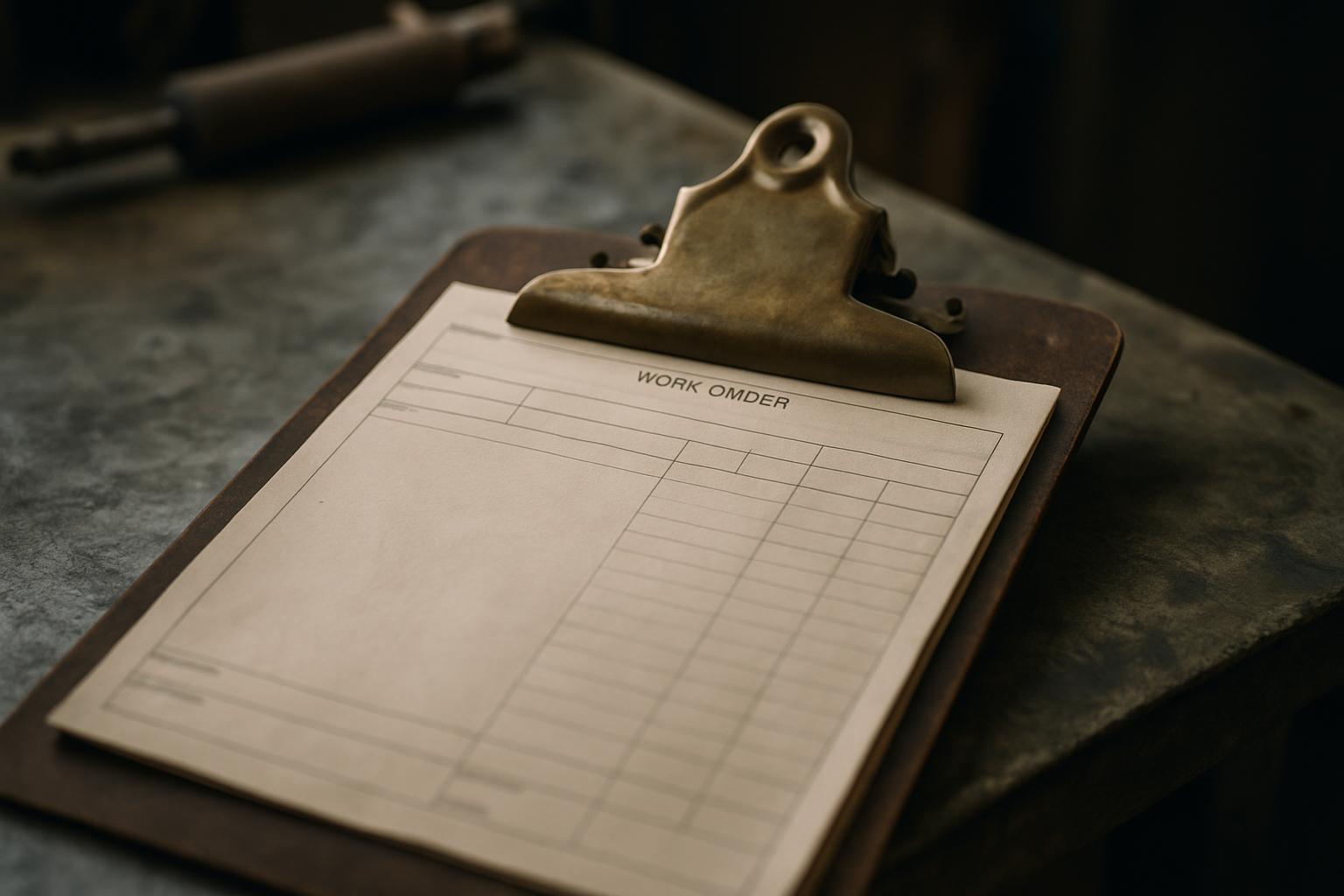
What a work order actually is
A work order is a formal instruction to carry out a specific piece of maintenance, repair, or service work. It records what needs to be done, where, by whom, and by when — and it stays open until the work is verified as complete. Whether you call it a work order, a job ticket, a service request, or a maintenance task, the function is the same: it converts a problem someone noticed into a unit of work that can be assigned, tracked, and closed.
The distinction worth holding onto is the one between a request and a work order. A request is what a tenant, resident, staff member, or member of the public submits — "the heating isn't working." A work order is what the responsible team creates from that request once they've decided to act on it. The request is the raw report; the work order is the structured, owned, scheduled response to it. Some systems blur the two, but keeping the idea separate helps you see where the flow can break.
Work orders show up everywhere maintenance happens — building management, facilities teams, property and rental management, local government, manufacturing, and field service. The terminology shifts by sector, but the anatomy doesn't. A good work order in a hospital and a good work order on a construction site share the same bones: a clear description, a location, a priority, an owner, and a record of completion.
The anatomy of a good work order
Start with the parts that describe the problem. A work order needs a clear title and a description that states what is wrong and what "done" looks like — not "door broken" but "front entrance door fails to latch; needs hinge adjustment and new strike plate." It needs a precise location, ideally specific enough that someone unfamiliar with the site can find it. And it should carry a photo or two, because an image settles arguments about condition that words never quite can.
Then come the parts that drive the work. A priority or severity tells the team how urgently to respond and helps order a queue when several jobs compete. An assignee — a named person or team — gives the job an owner, because an unassigned work order is a problem waiting to be forgotten. A category or trade routes it to the right hands: plumbing, electrical, grounds, IT. And a due date or target response time sets the expectation everyone will be measured against.
Finally there are the parts that close the loop and create a record. A status field shows where the job sits — open, in progress, on hold, completed. Notes and updates capture what was found and done along the way. Completion evidence, usually an after-photo and a short sign-off, confirms the fix. And a timestamped history of every change turns the work order into an audit trail you can stand behind months later. A work order missing the first group is unclear; one missing the last group is unaccountable.
How a work order should flow from a reported issue
The flow begins with capture. Someone reports an issue — through a portal, a form, a phone call, an inspection, or a QR code on a wall. The strongest capture happens at the point of the problem, with a photo and an exact location attached, because details gathered later are details half-remembered. The goal at this stage is a clean, factual report: what was seen, where, and when.
Next is triage and creation. A coordinator or an automated rule reviews the incoming report, confirms it's genuine and actionable, sets a priority, and creates the work order. This is where routing matters — a plumbing issue should reach the plumbing queue, not sit in a general inbox. Good triage also de-duplicates: three people reporting the same broken lift should produce one work order, not three. Skipping triage is how backlogs fill with noise.
Then the work order moves through assignment, execution, and verification. It's assigned to whoever will do the work, who picks it up, carries it out, and records what they found and fixed — ideally with an after-photo. A supervisor or the original reporter confirms the fix meets the standard, and only then is the order closed. Closing without verification is the most common way a "completed" job comes back next week as a complaint. The flow isn't finished when the work is done; it's finished when the work is confirmed and recorded.
Priorities, due dates, and SLAs
Not every work order deserves the same urgency, and pretending otherwise is how genuinely urgent jobs get buried. A simple priority scale — emergency, urgent, routine, scheduled — is usually enough for a small team. An emergency (a gas smell, a flood, a security risk) demands a same-hour response; a routine job (a sticking drawer, a faded sign) can wait for the next visit. The point of the scale is to make the queue order obvious rather than first-in-first-out by accident.
Due dates and service level agreements turn priorities into commitments. An SLA attaches a target time to each priority band — for example, respond to emergencies within one hour and complete routine repairs within ten working days. Those targets only mean something if you measure against them, which is why the work order needs to record when it was raised, when work began, and when it closed. Without those timestamps, an SLA is a promise nobody can check.
Be honest about capacity when you set targets. SLAs that the team can't realistically meet erode trust faster than having no SLA at all, because every breach becomes a reason to ignore the system. Set targets you can hit most of the time, track the misses, and tighten them as the team's response improves. A priority scheme is a tool for fairness under pressure, not a wish list.
Where work orders go wrong
The most common failure is the vague entry. "Leak in unit 3" gives the technician no idea whether it's a dripping tap or a burst pipe behind a wall, which trade to send, or what to bring. Vague work orders generate second visits, and second visits are pure cost. The fix is discipline at creation: one problem per order, a description that names the fault and the desired outcome, a precise location, and a photo.
The second failure is the orphaned work order — created, never assigned, and quietly aging in a list. Without an owner and a follow-up mechanism, jobs drift until a tenant chases them or an inspection flags them. A close cousin is the silent close: a job marked done with no evidence and no sign-off, which works fine until someone disputes it and there's nothing to point to. Both come down to a missing record.
The third failure is fragmentation. Photos live on one person's phone, the request sat in an email, the assignment happened in a group chat, and the completion note never got written down. When the trail is scattered across four tools, no single place tells the whole story, and reporting becomes archaeology. The cure isn't more effort — it's capturing the work order's full anatomy in one pass and keeping every part together from report to close.
How SnagGrid handles work orders
SnagGrid is built to carry a work order through its whole life, from the reported issue to the confirmed fix. You snap a photo and drop a map pin — the address auto-fills, so the location is precise without typing — then add your rough notes. AI drafts a clear, factual report from what you wrote; it never invents facts, and you approve every word before anything sends, so the work order describes what was actually seen. That clean capture is the foundation a good order is built on.
From there SnagGrid routes the item to the right recipient by category, logs every change to an audit trail, and gives one-tap follow-up reminders so nothing becomes an orphan. A team dashboard with roles shows the whole queue at a glance, per-category routing sends each job to the right hands, and case tracking follows an order through to verified completion. A public no-login report form with its own QR code lets tenants, residents, or the public raise issues without an account, while CSV export and a scoped REST API with webhooks let you wire the data into your own systems.
Pricing is $29 per month per organization for one seat, plus $15 per month for each extra seat — so the full anatomy of a work order, from photo and pin through to a timestamped record of the fix, lives in one place you can stand behind. Instead of a vague line in a spreadsheet, each job becomes a tracked, owned, and provable piece of work.